Selling: |
SilverFast HDR Studio |
|||
|
|
||||
|
|
||||
| ID | 1596 | |||
| Categories | Software, Connection and Controlling | | |||
|
|
||||
| Short description | SilverFast HDR Studio | |||
| Price (in €) | on request | |||
|
|
||||
| Manufacturer | ||||
| Model | --- | |||
| Year of manufacture | 0000 | |||
| Warranty until | --- | |||
|
|
||||
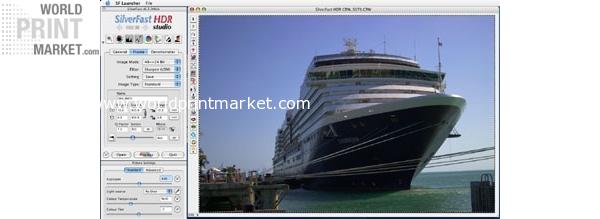
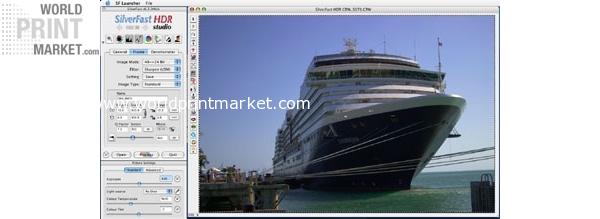
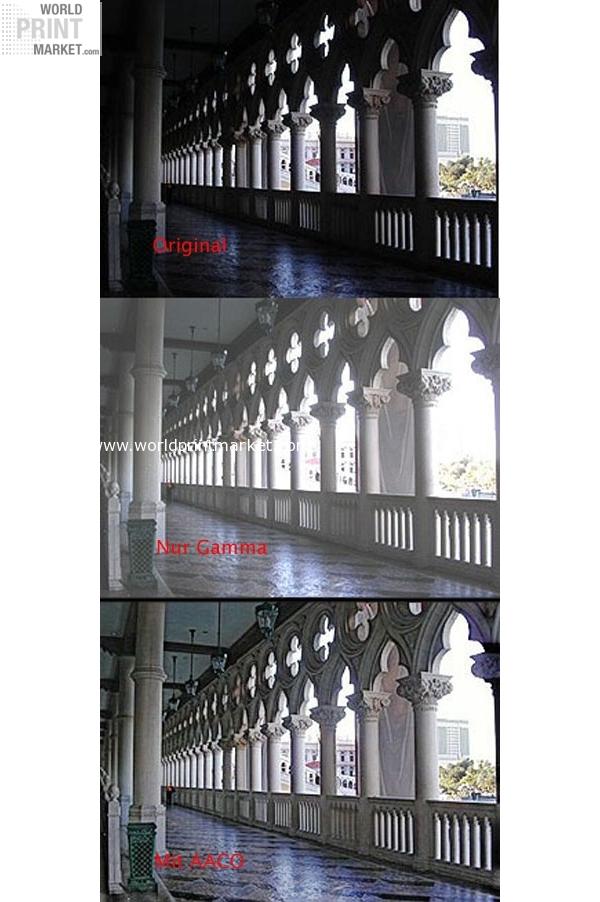
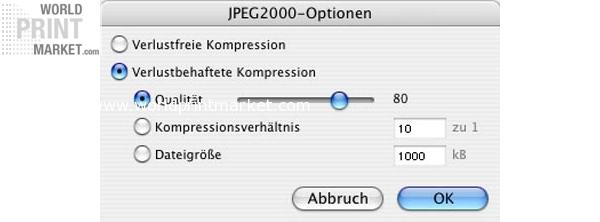
| Long description | SilverFast HDR Studio SilverFast HDR Studio For those who like to be creative and productive LaserSoft Imaging is proud to present SilverFast HDR Studio. This is an enhanced version of SilverFast HDR with new features, that make the processing of your digital images much more easier and convenient. Highlights AACO Auto Adaptive Contrast Optimisation New! SilverFast PhotoProof the optimum tool for color managed contract proofs The Clone Tool Unsharp mask PLUS New! SilverFast PrinTao the professional printing function Automatic image import with re naming function Conversion of RAW Data JPEG 2000 support (16bit compression) AACO Auto Adaptive Contrast Optimisation SilverFast’s AACO is an excellent tool for the correction of dark, high contrast areas of the image while preserving the details in the highlights. It operates automatically when selected, but can also be manually manipulated. The intensity and the complexity of the shadows that are to be lightened can be adjusted without affecting the highlights of the image. Unsharp mask PLUS The USM dialog and its preview windows may now freely be resized and enlarged. This can be done by click dragging the lower right corner of the window. Now, a better control of the image is achieved before scanning that allows a much larger preview of the final sharpening effects. Automatic image import with re naming function This new function of the SilverFast Studio versions allows the direct import of images into the Virtual Light Table (VLT). Special tags may be added to the EXIF or IPTC lists. Furthermore, meta tags within the EXIF and IPTC lists are administered at ease. The re naming of images can be done while unloading them or at another time, via previously saved image files. Conversion of RAW Data SilverFast allows a quick conversion of RAW Data files in the background. This is done by choosing the images to be converted in the overview of the Virtual Light Table VLT, and dragging them into an Album. The user can decide on his own if and when the conversion of the selected Album should take place. JPEG 2000 support: The support of the JPEG 2000 format enables SilverFast‘s strongest compression to process such data 3 to 7 times faster than Photoshop. In combination with SilverFast’s HiRePP function, even 3GB files may be compressed and re opened very quickly. It is important to note that Photoshop internally calculates with 15 bit, while SilverFast uses true 16 bit! |
|||
|
|
||||
| Weight | --- | |||
| Dimensions (LxWxH) | --- | |||
|
|
||||
| Location | Germany | |||
| Region | NRW | |||
|
|
||||
|
|
||||
|
|
||||
| View this article on the vendor's web site. | ||||